Digital Wedding Invitation
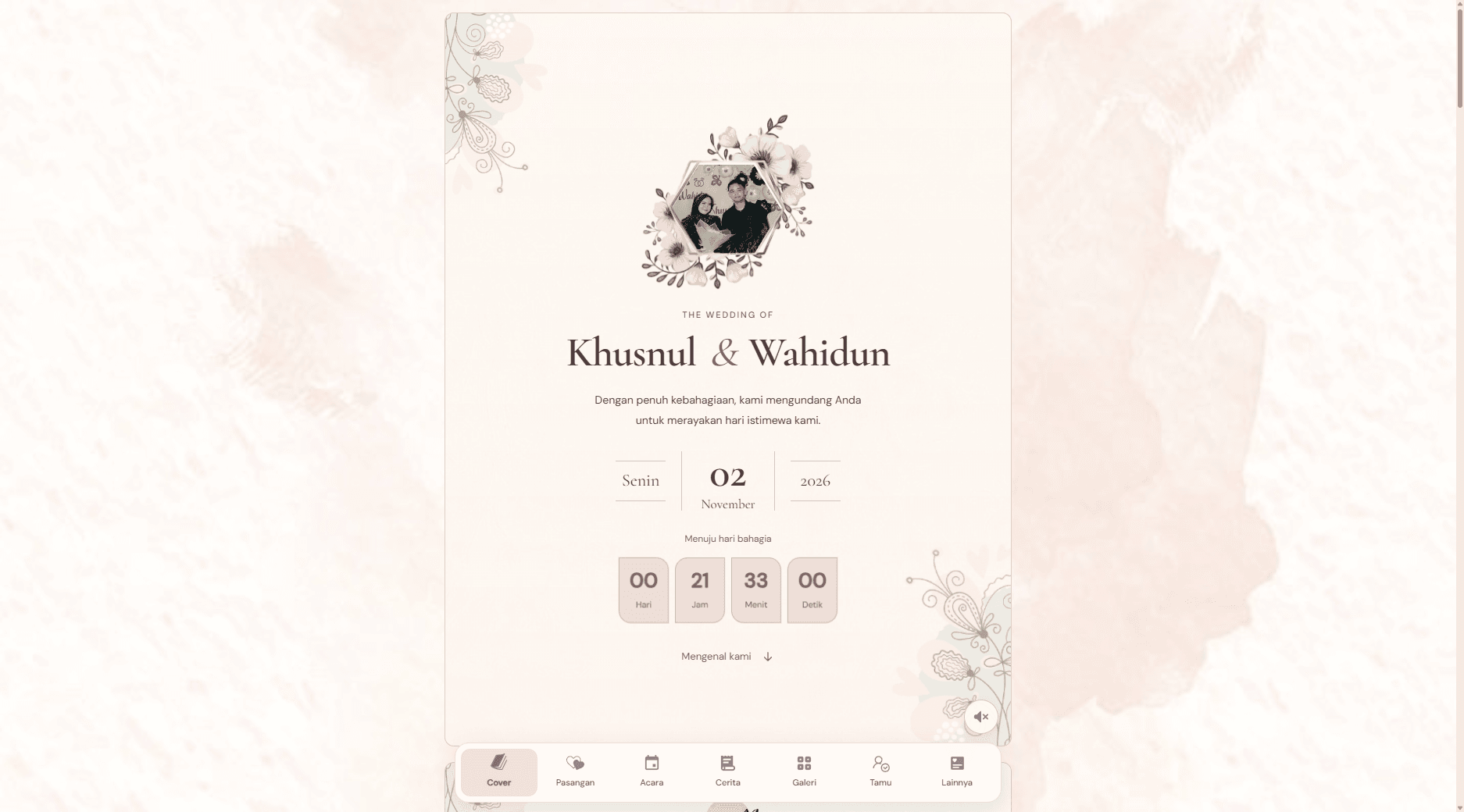
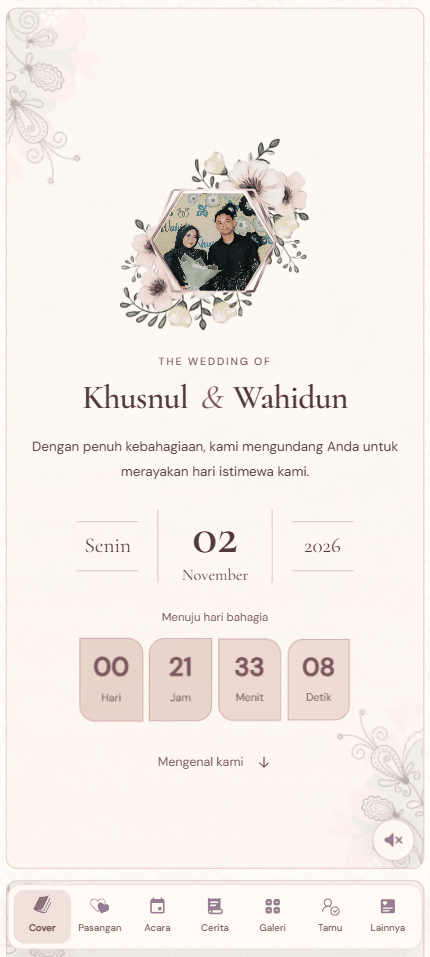
A digital wedding invitation that brings event details, a photo gallery, directions, and guest responses into one mobile-friendly experience. A private dashboard helps the hosts manage invitations, RSVPs, and guestbook messages.
- My part
- Design adaptation and full-stack development, including guest invitations, RSVP, guestbook moderation, and the management dashboard.
- Updated
- November 8, 2026
- Reading time
- 3 min read
## An invitation guests can use
A wedding invitation needs to feel personal while making practical details easy to find. Guests need to know when to arrive, where to go, and how to respond, often while opening the invitation on their phone.
This project combines a floral visual style with event information, photographs, directions, and guest responses. Behind the invitation, a private dashboard gives the hosts a place to manage guest links, review RSVPs, and moderate messages.
## Keeping the atmosphere without hiding the details
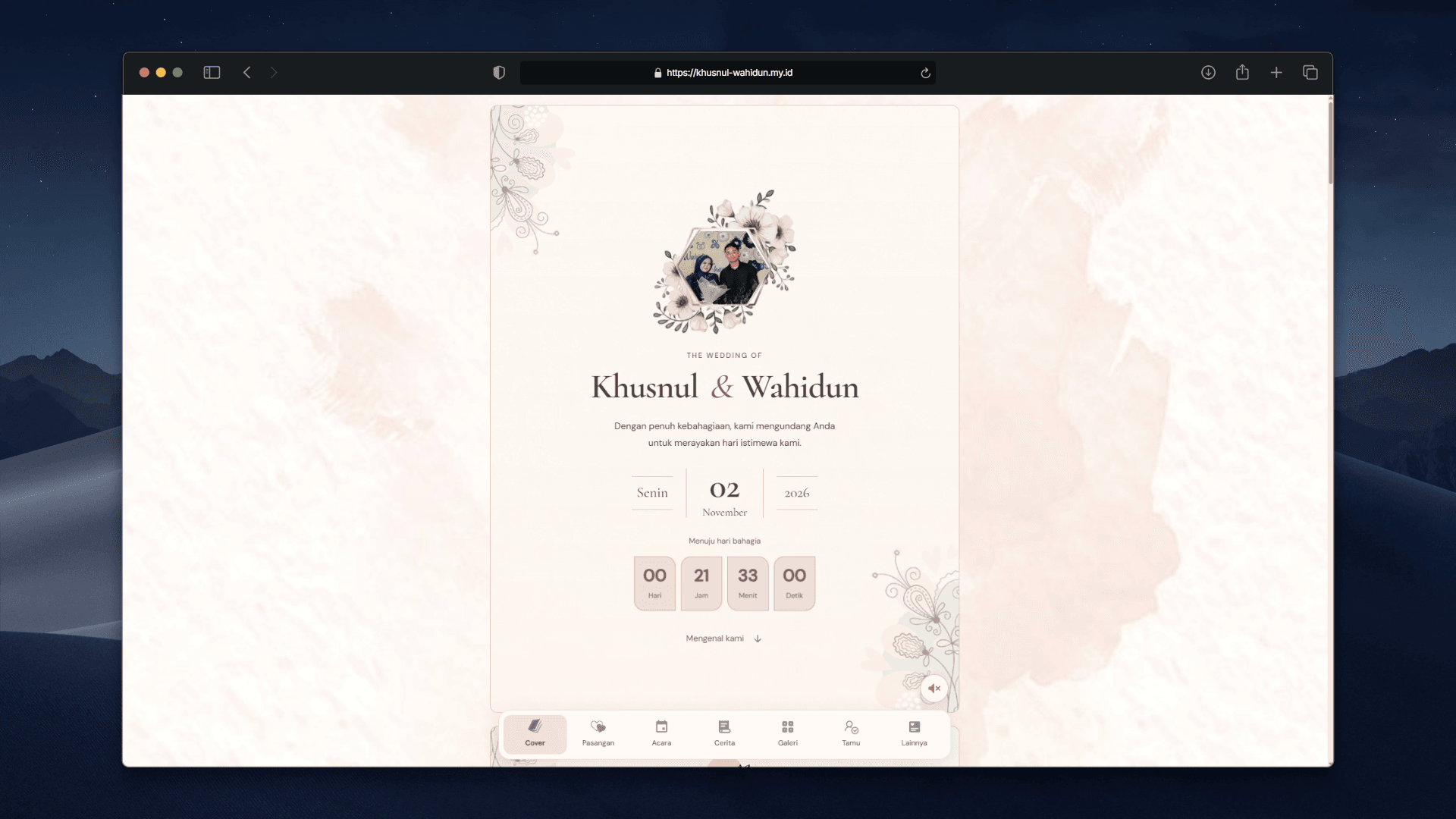
The interface adapts an existing invitation reference into a React and Next.js application. Floral ornaments, framed photographs, and expressive typography establish the visual direction. Event times, location details, and navigation provide structure around them.
On desktop, related information can sit side by side. On smaller screens, sections stack vertically so names, schedules, and actions remain readable.
Navigation follows the section currently in view. Guests can move between sections without losing track of their position in the invitation.
## Motion with room for interaction
Opening the cover reveals the invitation and starts the music after a deliberate click. Playback remains under the guest’s control.
The gallery supports automatic transitions and manual browsing. Opening a photograph provides a larger view with keyboard navigation and Escape to close. Autoplay pauses during relevant interactions, including keyboard focus and an open photo dialog.
Reduced-motion preferences disable the decorative movement and gallery autoplay. Content remains available without waiting for reveal animations.
## Personal links and guest responses
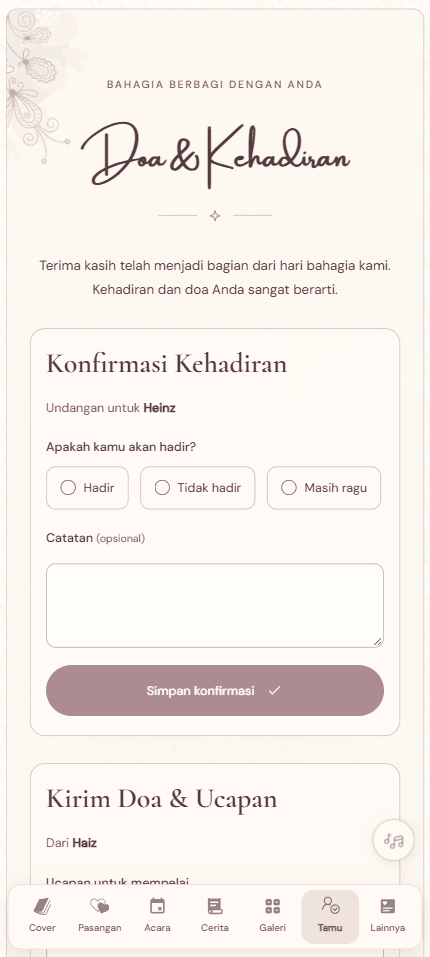
Hosts can create personal invitation links through the dashboard. Guests can respond without creating an account, while attendance responses are collected in a dedicated management view.
The guestbook has a separate moderation step. New messages wait for approval before appearing publicly, giving hosts control over what is displayed.
Keeping guest management behind authentication separates the public invitation from the information needed to organize the event.
## Small actions that matter on the day
Directions link to Google Maps, and a calendar action lets guests save the event. Copying account details provides visible feedback, with guidance for manual copying when clipboard access is unavailable.
These actions sit alongside the relevant information so guests can use them without searching through the page.
## What was delivered
The application includes the public invitation, personalized guest links, RSVP collection, a moderated guestbook, and a protected management dashboard.
The visual design and some assets originate from the supplied invitation reference. The project’s contribution is the adaptation into a responsive application and the implementation of its interactions and guest-management workflows.