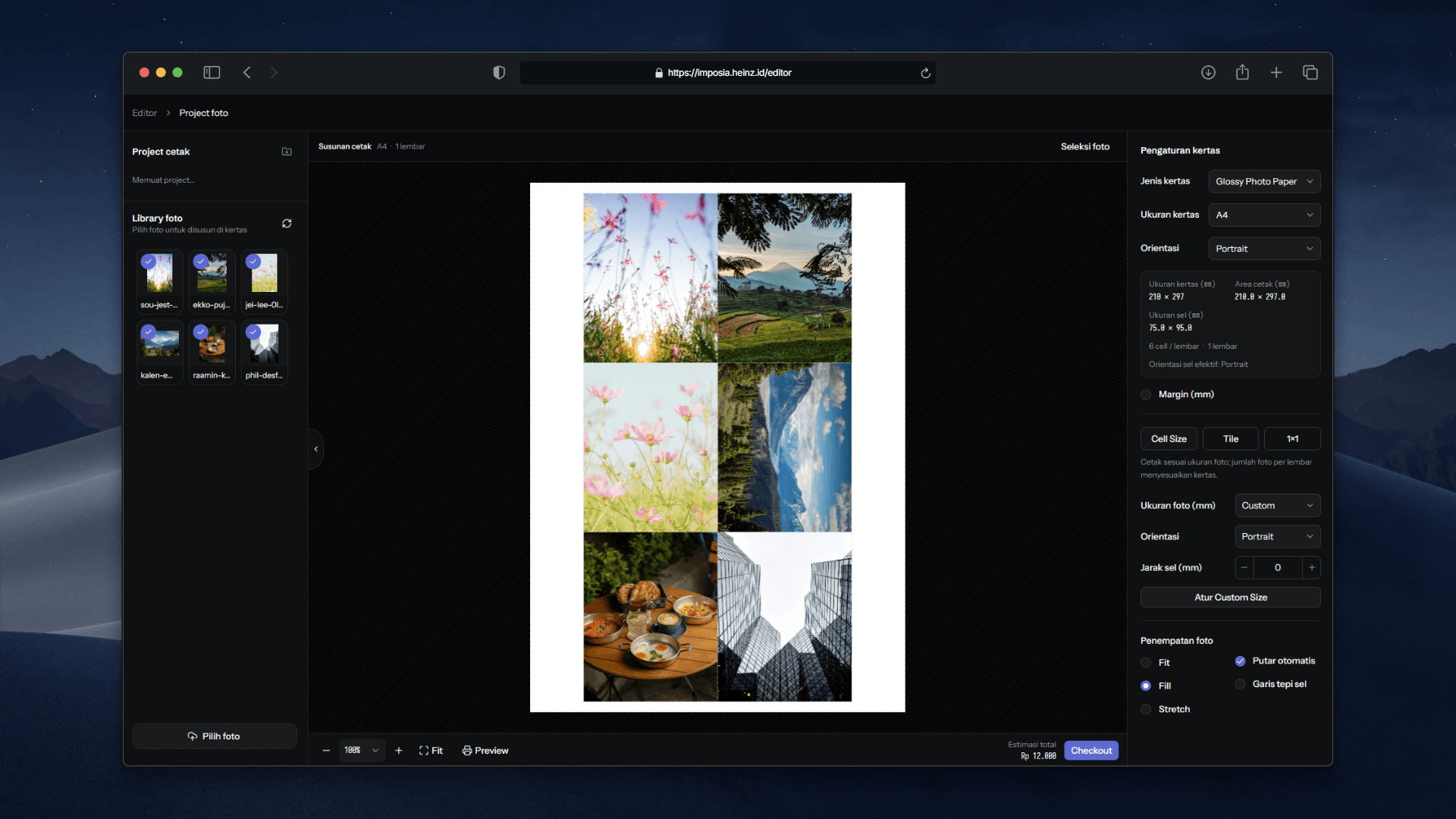
Imposia
A web application for preparing photo print orders, from uploading and editing images to arranging sheets, reviewing prices, and checking out. Includes an order dashboard, live status tracking, and photo retention management.
- My part
- Development of the photo editor, print layout, checkout, order dashboard, and service integrations.
- Updated
- November 8, 2026
- Reading time
- 3 min read
From photos to print orders
Preparing photos for printing involves several decisions. What should be cropped? How many photos fit on a sheet? Is the resolution suitable for the selected size? What will the order cost?
Imposia brings those decisions into one web application. Users upload and edit photos, choose paper and layout settings, then review the preview and price before placing an order. The initial version serves a single print shop, with a customer workspace and a separate management dashboard.
Editing without replacing the originals
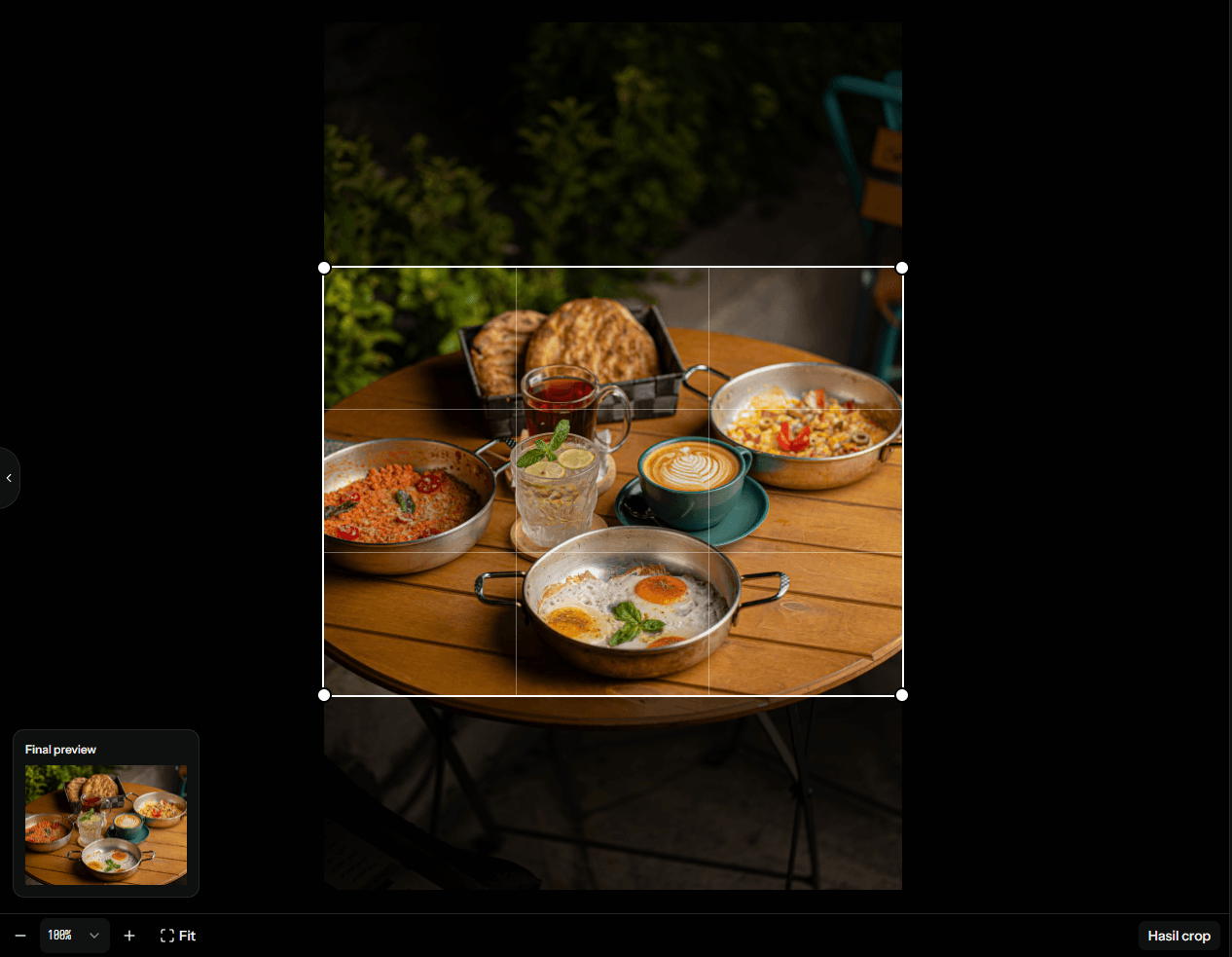
The editor uses Konva to display photos and print layouts on a canvas. Users can crop, rotate, flip, straighten, and adjust brightness, contrast, and saturation.
Edits are stored as parameters rather than overwriting the source image. Cropping has explicit Apply and Cancel actions, while photo adjustments and paper settings can be restored after a page reload.
On smaller screens, editing controls move into a bottom panel to leave room for the canvas. The workspace supports pinch and pan gestures alongside desktop mouse and keyboard interactions.
A layout users can inspect
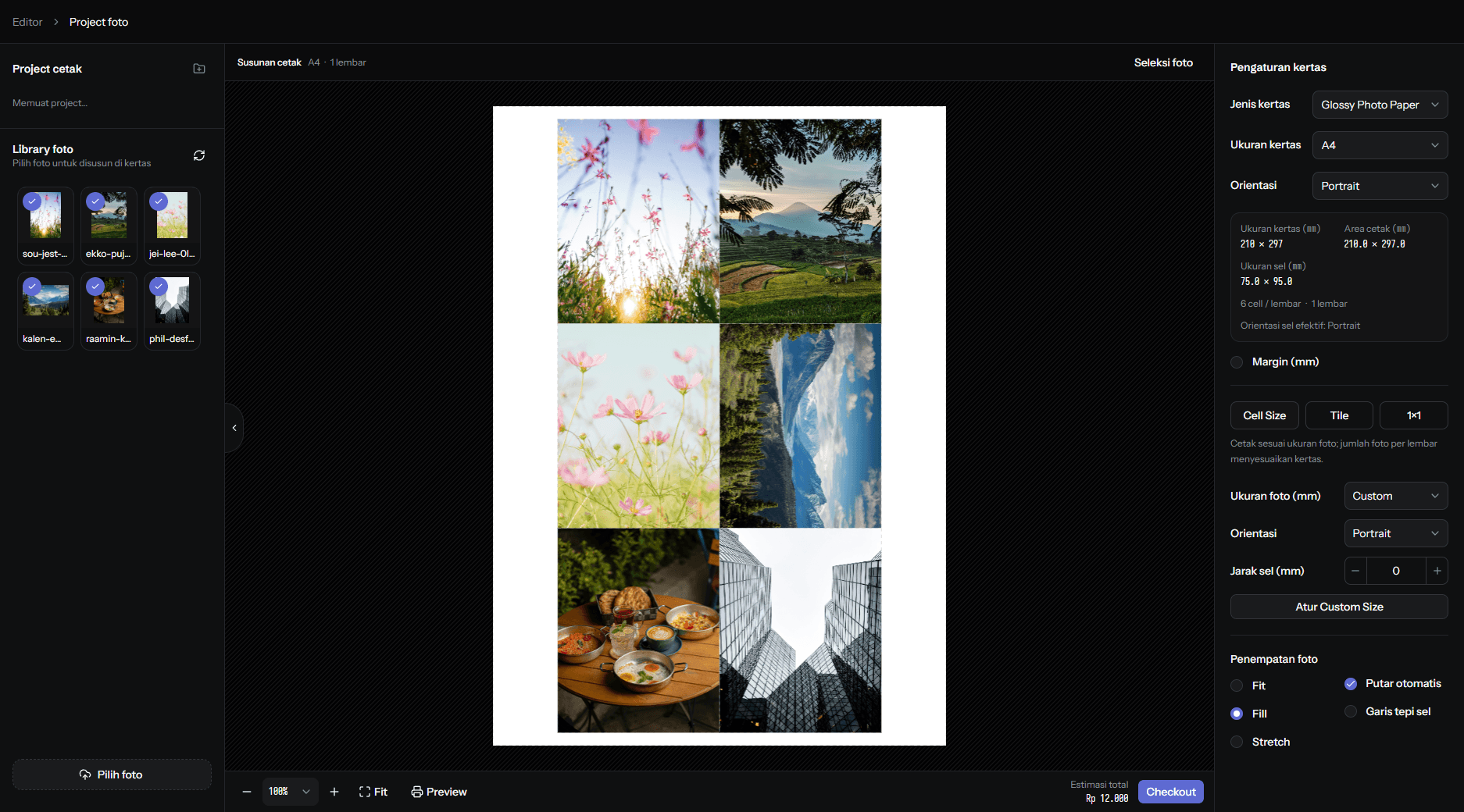
Layout calculations are separate from the canvas components. The algorithm takes paper dimensions, photo sizes, margins, spacing, and orientation, then produces photo positions and page counts.
This separation makes the calculations testable without running the visual editor. Auto Rotate compares the capacity of different cell orientations. Fit, Fill, and Stretch control how each photo occupies its assigned space.
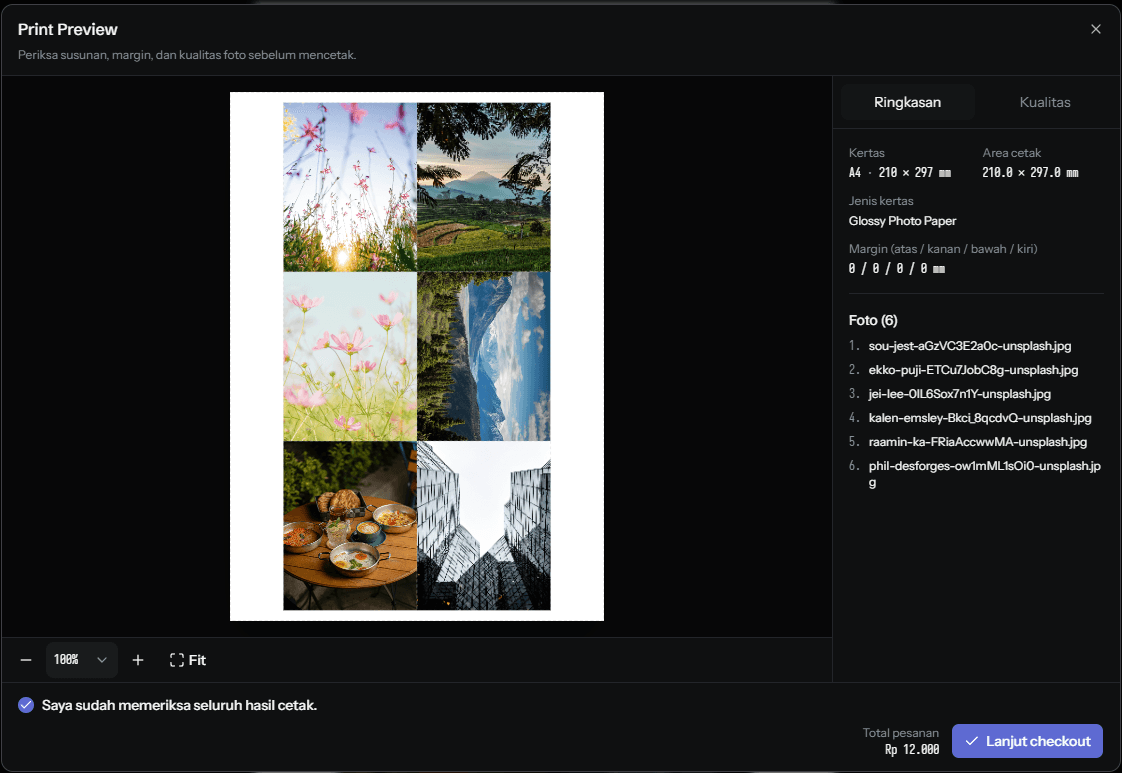
Print Preview uses the same layout calculations as the workspace. Users can inspect every sheet before checkout. Changing the configuration invalidates the previous preview approval, requiring another review of the updated layout.
Pricing and orders follow the configuration
Pricing responds to paper type, dimensions, quantity, and layout mode. Cell Size is priced per photo, while Tile and 1×1 are priced per sheet. Administrators manage these rules through the dashboard.